
gameterm
ai assistant video game characters that 10x your everyday life
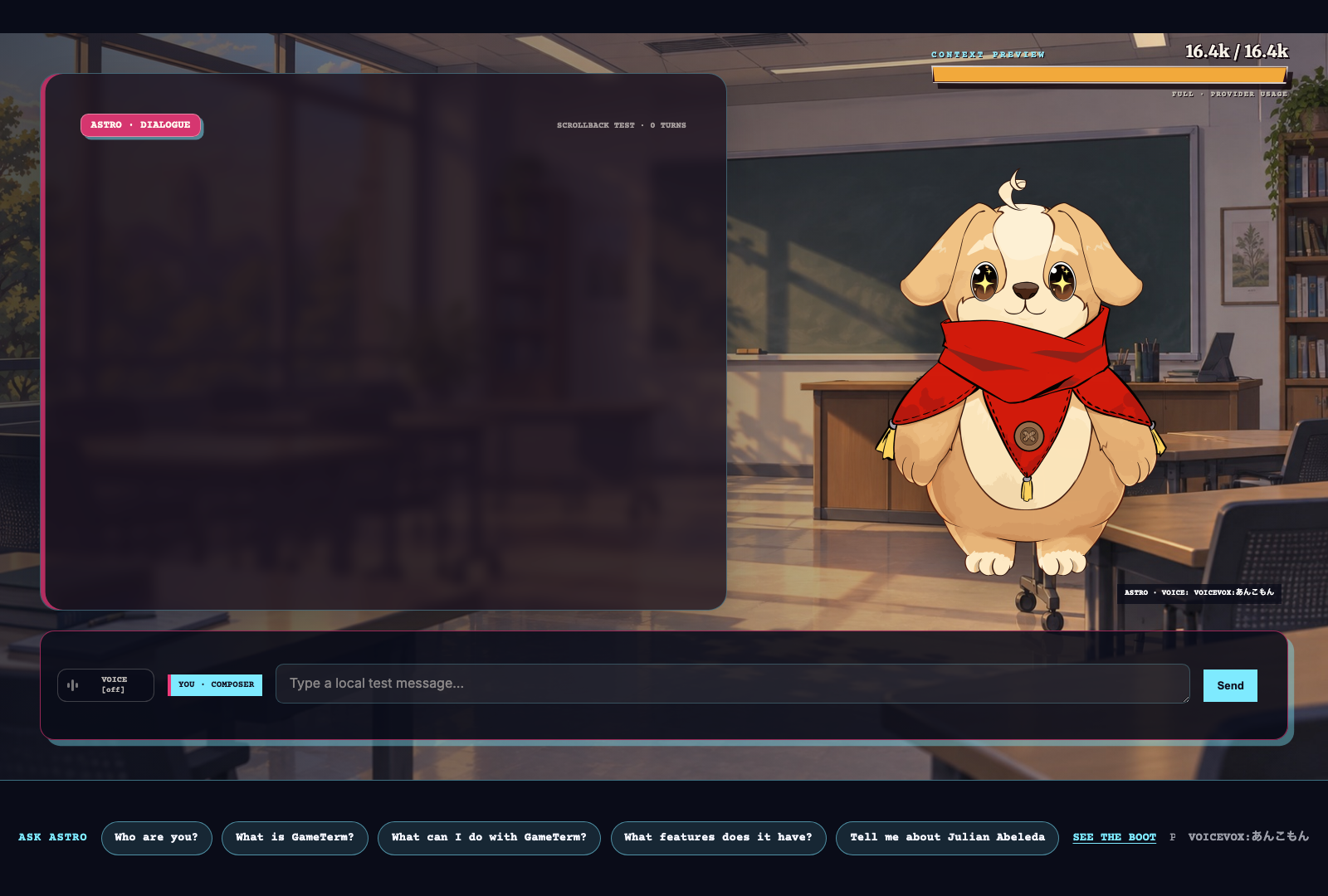
GameTerm is a terminal app. Your character runs real actions on your PC (for example, open Safari).
Ask a character to do an action, and it uses powerful computer commands to do it, like an engineer would!
The model runs on your PC. Your files and data stay with you.
Each character has their own unique personality, beliefs and story!
Sign up to start playing
Make an account, then download. Beta for Macs (Metal GPU).
System requirements
- Platform
- Apple silicon Mac with an M3, M4, or M5 GPU. Intel Macs have not been tested.
- CPU
- Apple silicon M3, M4, or M5
- Memory
- 16 GB is the minimum for the local-model installer. For the best results, 32 GB or more is recommended.
- Video card
- Apple integrated GPU with shared system memory
- OS
- macOS 13 or later
- Free disk space
- The installer checks available space for your selected components before downloading.
- Connection
- Internet access for sign-in and downloads
- Optional model server
- A second computer can run the model over your network. An AMD Radeon RX 7900 XTX or NVIDIA RTX 5090 works well, with 16 GB or more of video memory recommended.
Model
GameTerm ships with Qwen. The installer downloads Qwen3 8B and runs it on your Mac. Any model served through the OpenAI chat completions JSON API works the same way: point GameTerm at the server and it talks to it like the local one.
Note A second server with Qwen3.5 27B on a graphics card and points GameTerm at it over the network was tested in DEV.
POST /v1/chat/completions
{
  "model": "qwen3-8b",
  "messages": [
    { "role": "system",
      "content": "You are Astro. You work the terminal." },
    { "role": "user",
      "content": "list the files on my desktop" }
  ],
  "tools": [
    { "type": "function",
      "function": {
        "name": "bash",
        "description": "Run one shell command.",
        "parameters": {
          "type": "object",
          "properties": { "command": { "type": "string" } },
          "required": ["command"]
        } } }
  ],
  "tool_choice": "auto",
  "stream": true
}